
cFolders access disappeared, What’s TDMT and how can I get access?
Anytime someone makes a change to a Government website there are sure to be issues, well, this week is no different.
If you sell to the Defense Department, use DIBBS or SAM to look for open government solicitations you’ve probably lived through many website disasters. Looking for Government solicitations on the DLA Internet Bid Board System or DIBBS was challenging this week as there were several days of NO POSTED solicitations. This just happen to coincide with the rollout of the New Drawing Access System on June 22, 2026.
If you are a regular DIBBS user who needs access to DoD drawings you might rely on the link in the thousands of PDF solicitations posted every day that says “WHEN TECHNICAL DATA IS PROVIDED IT MUST BE OBTAINED” AT: https://pcf1x.bsm.dla.mi…
Well, that link goes to the now retired cFolders Tech Data access portal, showing the following message shown below.
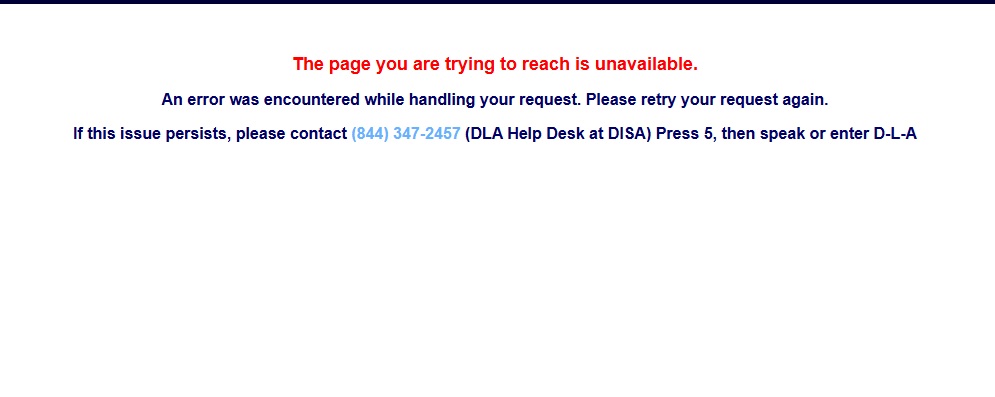
If you’ve ever called this help desk, well probably not the best way to handle this issue, especially when there is a direct path to the answer. Who had the great idea to put up a splash page to a general help line instead of fixing the issue like to change the text in the PDFs or possibly redirect the URL – Maybe AI created their website.
The current way to access DoD Technical Data and Drawings from the DIBBS website is to click on the link Technical Data Management Transformation (TDMT) https://tdmt.dla.m… Shown below
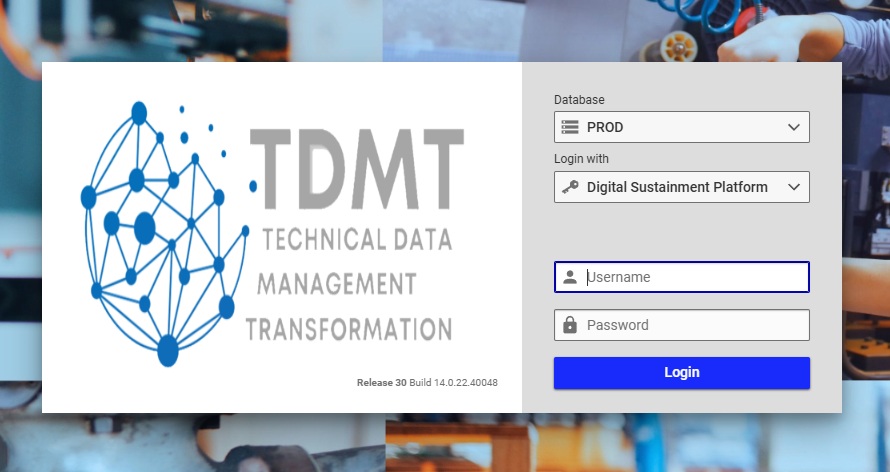
Technical Data Management Transformation (TDMT) Drawings Site
HOWEVER, if you don’t have a login already then what?
This webpage shows no other links, How do you get a login?
Government – Maybe show a link “Don’t Have an Account Click here.”
Probably another AI generated web page.
So How do I get access to DoD Drawings?
There is a solution, 1st you need to create an AMPS account.
Once the account is set up you will have the ability to set up your TDMT account.
Make sure when registering in AMPS the email address you use is the same for your DIBBS account and your AMPS account.
Account Management and Provisioning System (AMPS) is the Defense Logistics Agency’s management system that sets up your access to DoDs computers to provide the resources you need such as drawings. If you are a DLA Vendor you only need a basic AMPS account which in turn will provide a TDMT Vendor Role to get Drawings.
Steps to get access to DLA Drawings
- Set up an AMPS account – Start here https://amps.dla.mil/
- Once set up in AMPS you should be able to log into TDMT to get Drawings at https://tdmt.dla.mil/ this will provide access to procurement technical data relating to DIBBS RFPs, and RFQs. TDMT registration questions they can be submitted via email to: techdatapmo@dla.mil
Tired of DIBBS / SAM and bid services that don’t understand defense contracting? Try BidLink for free at www.bidlink.net.
Tweet